 ReMe
ReMe
Where you and your memories meet again. ReMe.
ReMe is a note app that keeps what you write organized and easy to look back on. Notes, daily logs, and handwriting, all in one place, ready when you need them.
Open in browser Get it on the App Store Download for macOS
Works on iPhone, iPad, Mac, and the web. Every app feature is free.
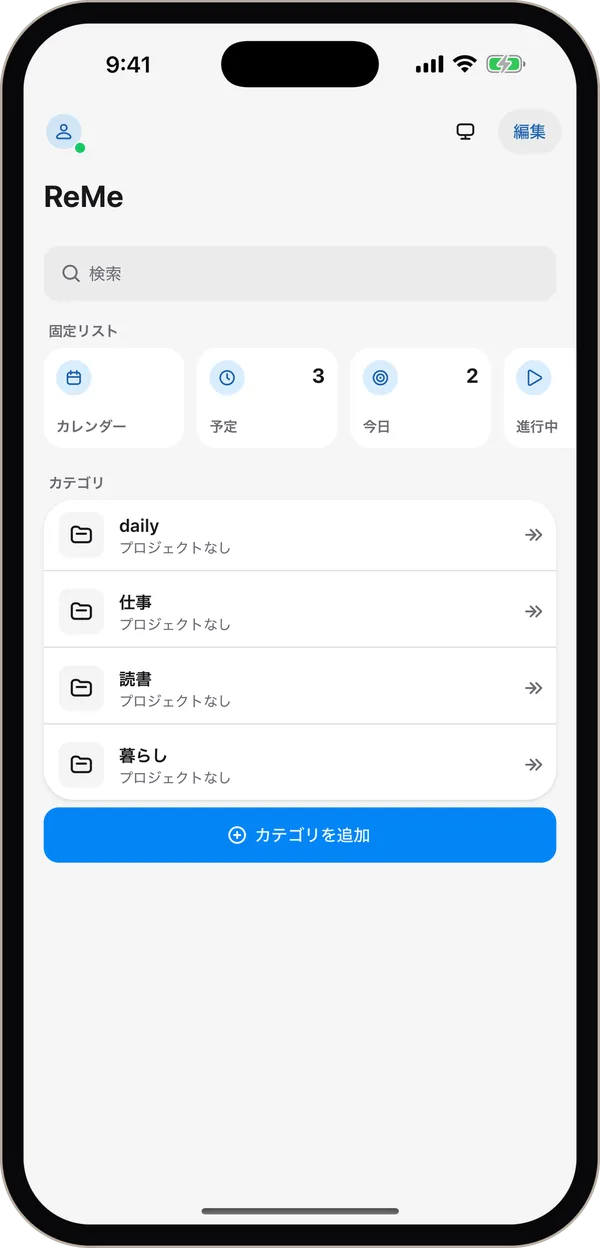
Write, keep, and sketch
Organized, and easy to find.
Keep notes tidy in three levels: categories, projects, and items. Full-text search and tags bring back what you wrote in seconds.
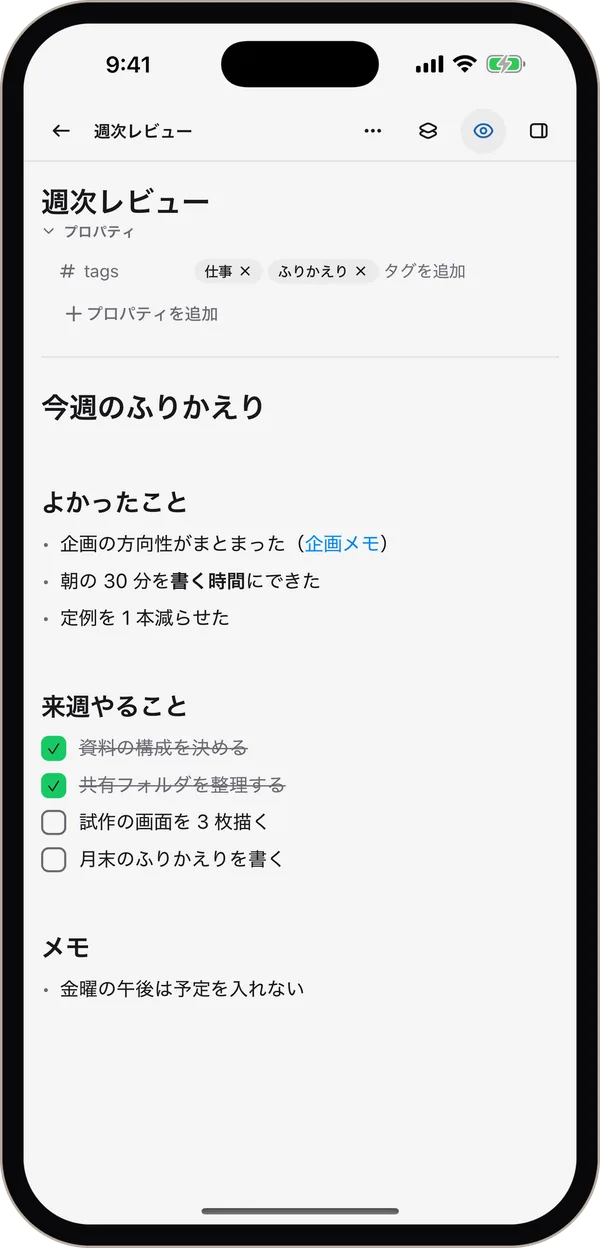
Markdown, formatted as you type.
Headings and checklists render as you write.
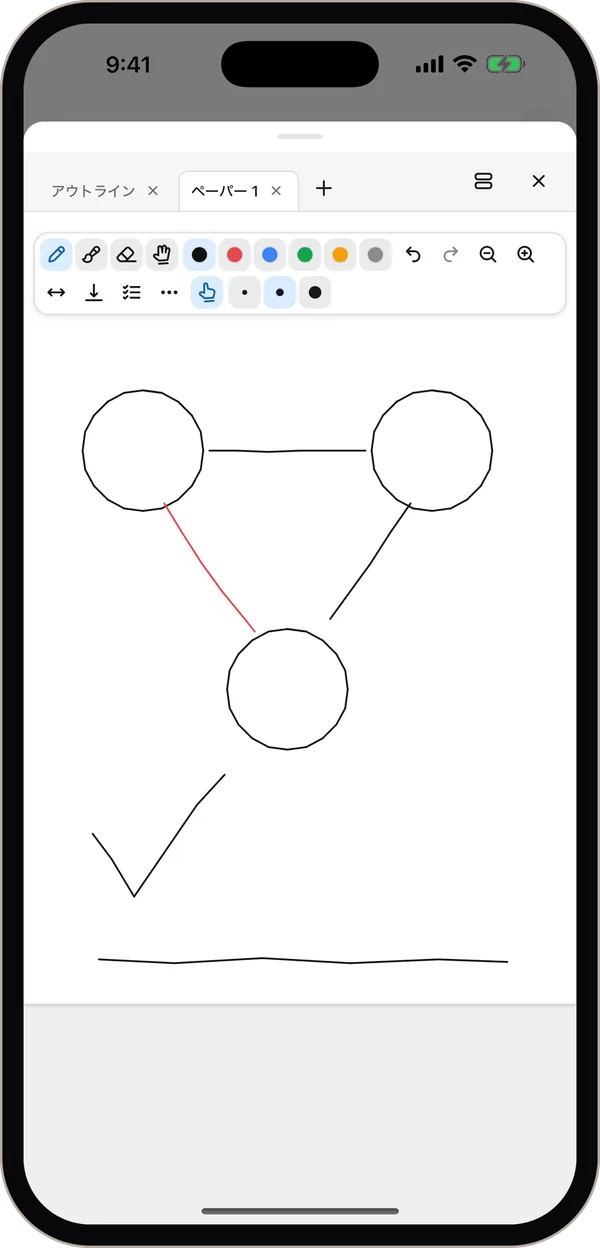
Handwriting, in the same note.
Sketch beside your note with a finger or Apple Pencil.
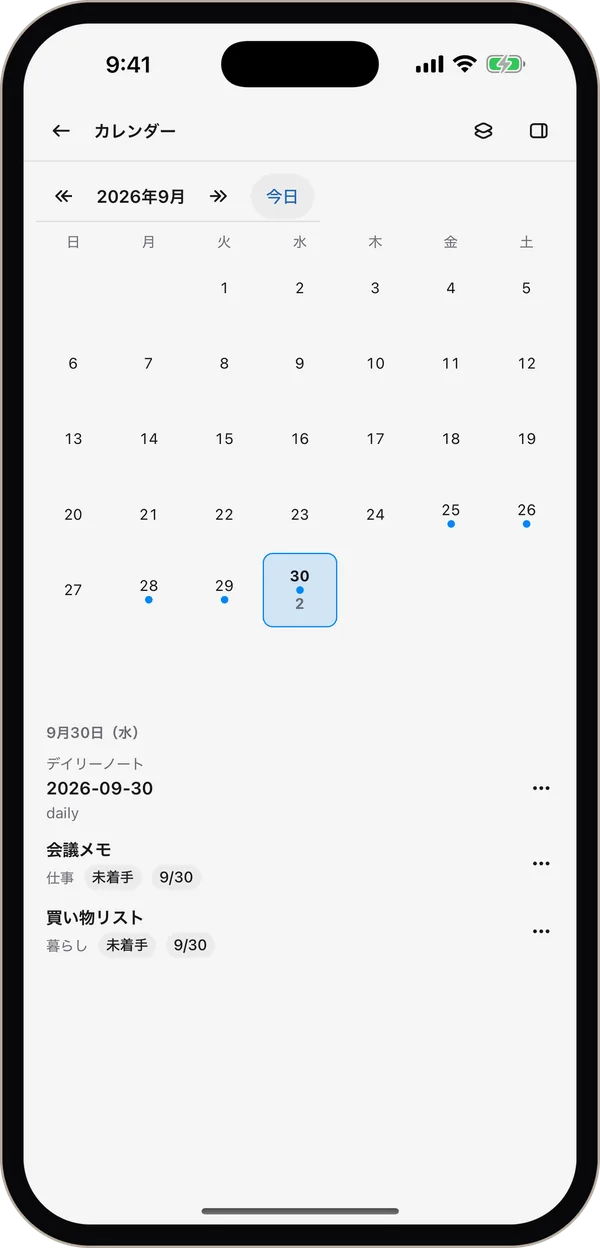
Daily notes, from the calendar.
See your daily notes and tasks by due date at a glance.
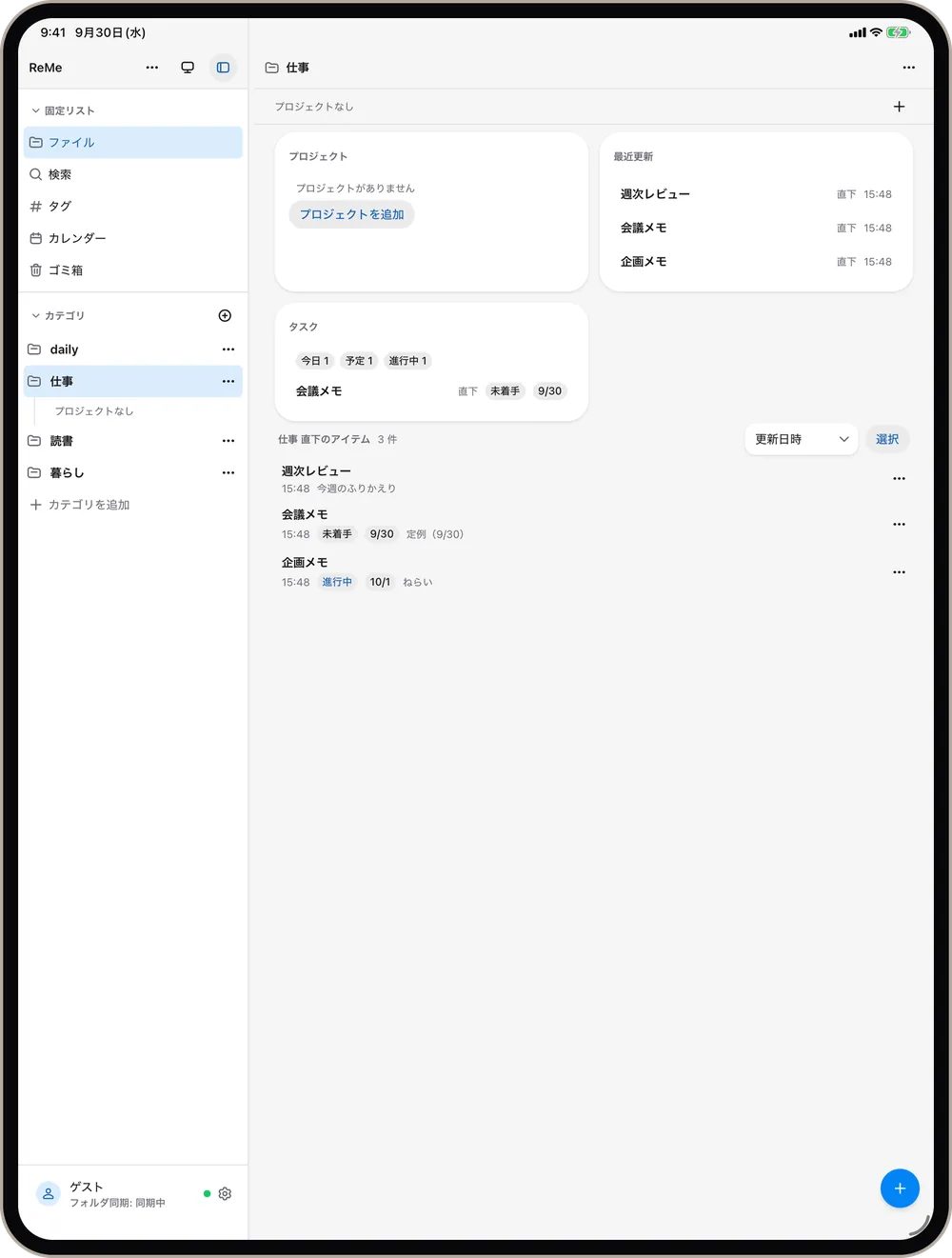
What you write stays on your device. Sync both ways with a folder — as plain .md files you can take anywhere.
Your AI can read your notes
Add ReMe as a connector (remote MCP), and any MCP-capable AI — Claude, ChatGPT, and others — can read and write your notes, including from the AI apps on iPhone and iPad.
Find the tasks with due dates in this week's meeting notes and list them.
I read your meeting notes and added the tasks, with their due dates, to a note.
Summarize my reading notes in three lines.
Read and find
Full-text search, tags, and links help the AI find the notes it needs.
Write
Append, add tasks, and update properties — right in your notes.
You set the limits
Choose read-only, or which categories may be rewritten. Previous versions are kept in history.
What's free, and what paid plans add
Every app feature is free — writing and editing, folder sync, handwriting, search and tags, daily notes and calendar, import and export. No account needed.
Paid plans (from ¥480/month) add cloud features.
Read and write from your AI
Your notes, from Claude, ChatGPT, or any MCP-capable AI.
Sync across devices
The same notes on iPhone, iPad, Mac, and the web. Doubles as a backup.
Version history
Go back to earlier versions (30 days to unlimited, depending on plan).
Get started
Open in browser Get it on the App Store Download for macOS
- Web: nothing to install.
- iPhone and iPad: iOS / iPadOS 15 or later. Free on the App Store.
- Mac: macOS 13 or later, Apple silicon and Intel. Open the .dmg and drag ReMe to Applications. Updates are checked automatically.